Samsung Notes adds three useful features this June – Samsung Notes is getting a meaningful upgrade this June, and while it may not grab headlines like a flashy smartphone launch or a foldable reveal, it’s the kind of update that quietly changes how millions of people organize their daily lives. For students, professionals, and anyone who still relies on handwritten thoughts mixed with digital convenience, the new features feel less like add-ons and more like refinements that should have existed all along. Samsung Notes adds three useful features this June
This latest update from Samsung Notes continues a steady pattern from Samsung Electronics: polishing its ecosystem so that core apps feel more capable, more connected, and more intelligent without becoming overly complicated. Instead of reinventing the app, Samsung is focusing on three practical improvements that enhance usability in everyday situations.These changes center on better organization, smarter editing, and smoother cross-device syncing.
At first glance, these may sound like small tweaks. But in practice, they address some of the most common frustrations users have with digital note-taking apps—finding information quickly, editing content efficiently, and making sure everything stays consistent across devices. Let’s break down what’s changing and why it matters.
1. Smarter handwriting-to-text conversion with improved accuracy
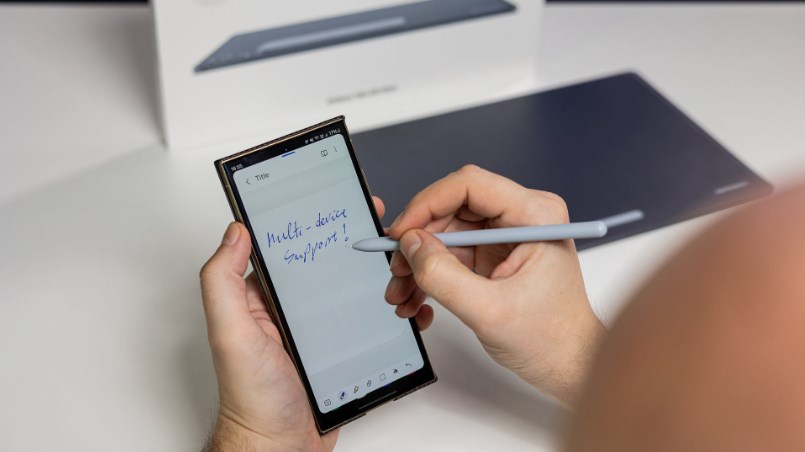
One of the most noticeable upgrades in this June release is the improvement in handwriting recognition. Samsung Notes has long offered handwriting-to-text conversion, but users often complained that it struggled with messy writing, mixed languages, or fast note-taking during meetings or lectures. The new update improves this significantly. The recognition engine now better understands spacing, contextual word prediction, and even handwriting variations. In practical terms, this means fewer errors when converting handwritten notes into editable text.
For students, this is especially useful. Imagine scribbling lecture notes quickly on a tablet during class and later converting them into clean, readable summaries without spending extra time correcting mistakes. Professionals attending meetings can also benefit, especially when capturing fast-paced discussions. What makes this upgrade more meaningful is not just accuracy, but adaptability. The system now adjusts more effectively to individual writing styles over time. The more you use it, the more it learns how you write.
It also handles mixed input better. Many users switch between typing and handwriting in the same document, and earlier versions sometimes struggled to keep formatting consistent. The updated version smooths this transition, making hybrid note-taking feel more natural. In short, Samsung is quietly pushing Samsung Notes closer to becoming a reliable “write now, refine later” productivity tool rather than just a digital notebook.
2. Enhanced folder organization with smarter sorting options
The second major feature focuses on organization, and it’s something long-time users will immediately appreciate. As note collections grow over time, things can become cluttered. Folders help, but traditional sorting methods—alphabetical or manual arrangement—don’t always reflect how people actually use their notes.The update introduces s marter sorting options that allow notes and folders to be organized by frequency of use, recent edits, and relevance. This means your most active or important notes naturally float to the top without manual effort.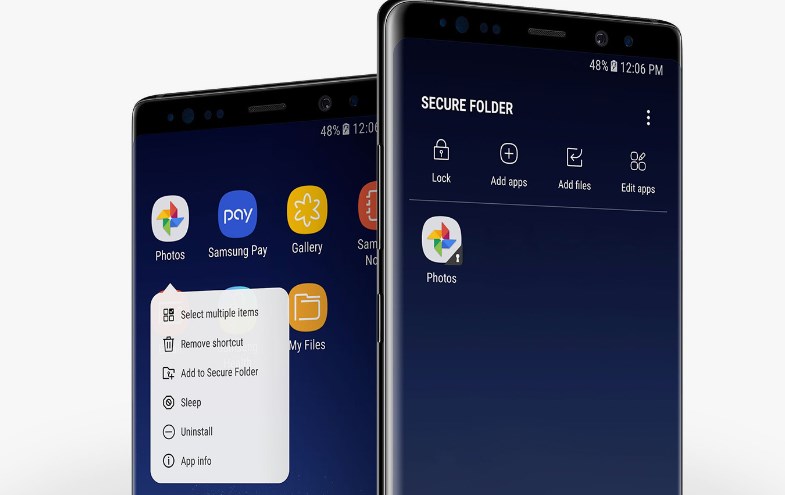
For example, if you’re working on a project report, meeting notes related to that project will appear more prominently as you interact with them more often. Meanwhile, older or inactive notes gradually move out of the way, reducing visual clutter. There’s also improved tagging integration. While tags existed before, they are now more seamlessly integrated into search and folder views. Users can combine tags and folder structures for a more layered organization system.
This hybrid approach is important because different users organize information differently. Some prefer strict folder hierarchies, while others rely heavily on tags and search. The update acknowledges this by not forcing one system over another. The result is a more flexible workspace that adapts to user behavior rather than demanding strict organization habits. Samsung Notes adds three useful features this June
3. Faster cross-device syncing and real-time updates
The third major improvement is perhaps the most technically significant: faster and more reliable syncing across devices. Anyone who uses Samsung Notes on a phone, tablet, and laptop knows that syncing delays can be frustrating. Notes don’t always appear instantly, and edits made on one device sometimes take time to reflect on another. The new update reduces this delay significantly. Changes now sync in near real-time when devices are connected to the internet. That means you can start writing a note on your tablet, continue editing it on your phone while commuting, and finish polishing it on your laptop without worrying about version conflicts.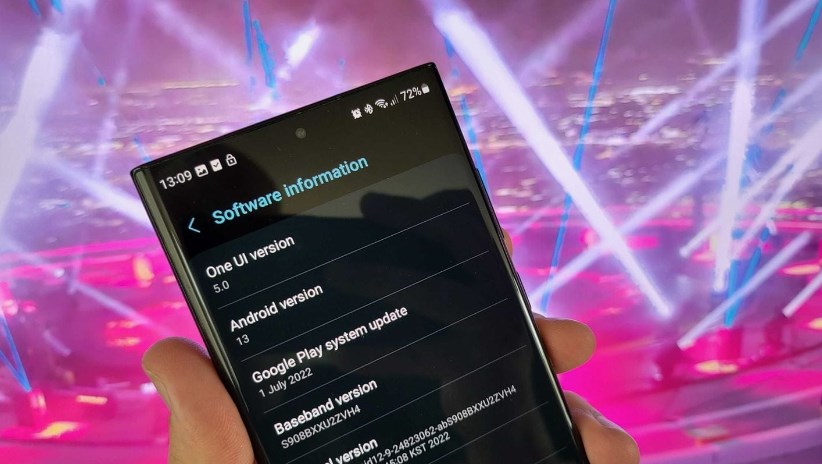
This improvement is especially useful for users who rely heavily on Samsung’s ecosystem. Students moving between devices throughout the day or professionals juggling work across multiple screens will notice the difference immediately. There’s also better conflict resolution. In older versions, if two devices edited the same note at the same time, users sometimes ended up with duplicate versions. The updated system now merges changes more intelligently, reducing the risk of losing edits or creating confusing duplicates. This brings Samsung Notes closer to the seamless cloud experience users expect from modern productivity apps, where the device you’re using becomes secondary to the content itself. Samsung Notes adds three useful features this June
Why these updates matter more than they seem
At first glance, none of these features are revolutionary. They don’t introduce AI assistants that write notes for you or completely redesign the interface. But that’s exactly why they matter. Most productivity apps fail not because they lack features, but because they become too complicated or inconsistent in real-world use. Samsung’s approach here is different—it’s focusing on reliability, speed, and subtle intelligence.
These improvements reflect a broader trend in mobile productivity tools: refinement over reinvention. Instead of overwhelming users with new systems to learn, Samsung is strengthening the foundation of what already works. For many users, Samsung Notes is not just an app—it’s a daily workspace. It holds lecture notes, meeting summaries, personal ideas, sketches, and reminders. That means even small improvements in speed, accuracy, or organization can have a big cumulative effect over time.
The bigger picture for Samsung’s ecosystem
This update also fits into a larger strategy from Samsung Electronics. The company has been steadily improving its built-in apps to compete with third-party productivity tools like Notion, Evernote, and Microsoft OneNote. Rather than forcing users to download external apps, Samsung is making its default tools powerful enough to stand on their own. Samsung Notes, in particular, plays a central role in this ecosystem because it connects seamlessly with Galaxy tablets, smartphones, and PCs. By improving handwriting recognition, organization, and syncing, Samsung is essentially strengthening the glue that holds its ecosystem together.
Final thoughts
The June update to Samsung Notes may not be flashy, but it is practical, thoughtful, and clearly focused on real user behavior. Smarter handwriting recognition helps capture ideas faster. Improved organization makes large collections of notes easier to manage. And faster syncing ensures that work flows smoothly across devices. Together, these three improvements push Samsung Notes further into becoming a genuinely dependable productivity hub rather than just a simple note-taking app. It’s the kind of update that users may not fully appreciate on day one—but over weeks and months, it quietly changes how smoothly their digital workflow runs.
About the Author