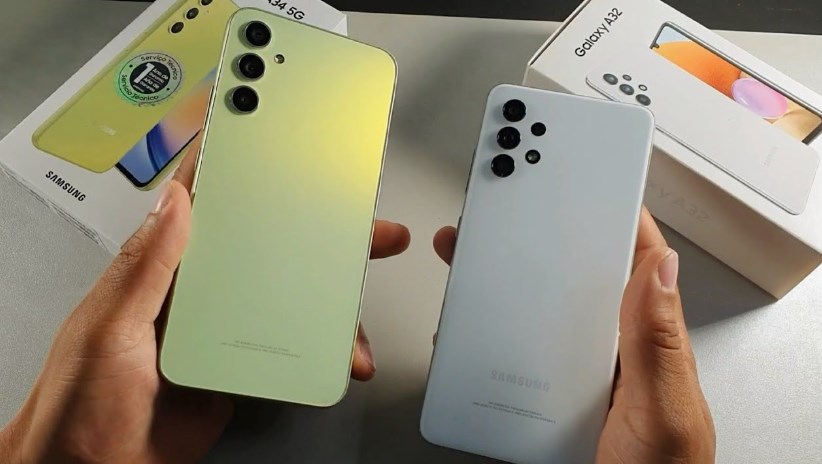
Samsung Galaxy A34 and A54 grab One UI 8.5 official version – Samsung is once again proving that its mid-range lineup is not an afterthought. The recent rollout of the official One UI 8.5 update for the Samsung Galaxy A34 and Samsung Galaxy A54 is a clear signal that the company is continuing to blur the line between premium flagship experiences and affordable smartphones.
For years, One UI updates have been a major reason Samsung users stay loyal to the brand. With One UI 8.5, Samsung is not just polishing the interface—it’s refining how people interact with their phones every day. And for Galaxy A-series users, this update feels like a meaningful step forward rather than a minor patch.
A major update for mid-range users
The Galaxy A34 and A54 were already popular devices in Samsung’s A-series lineup. Positioned as balanced smartphones offering strong performance, reliable cameras, and long software support, they hit a sweet spot for users who don’t want flagship pricing but still want a premium experience.
Now, with the One UI 8.5 update based on Samsung’s latest Android foundation, both phones are getting a refreshed software experience that feels closer than ever to the Galaxy S-series. The update is rolling out gradually in select regions first, which is typical for Samsung. Users in some Asian and European markets have reported receiving the update, with broader availability expected in phases over the coming weeks.
A smoother, more refined One UI experience
One UI 8.5 focuses heavily on polish. Rather than introducing drastic visual changes, Samsung has concentrated on improving fluidity, responsiveness, and consistency across the system. On both the Galaxy A34 and A54, users are noticing smoother animations when opening apps, switching between tasks, and navigating menus. Even subtle interactions—like pulling down the notification shade or adjusting quick settings—feel more responsive.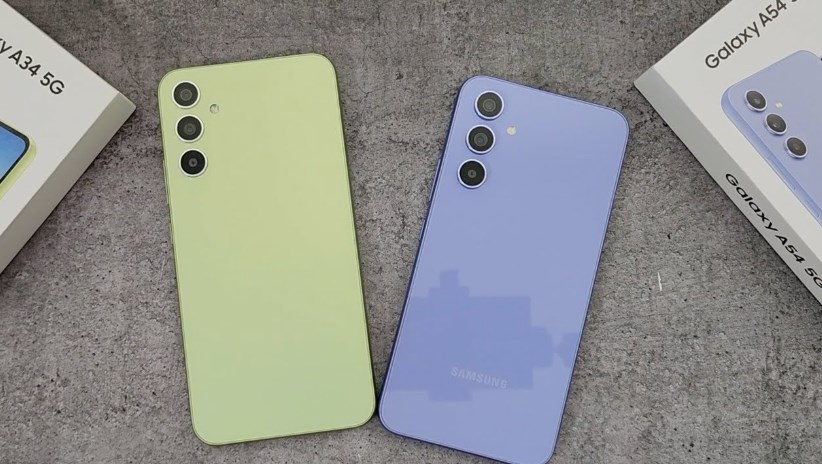
Samsung has also fine-tuned system transitions to reduce stutter, especially on the Galaxy A34, which uses a slightly less powerful chipset compared to the A54. This optimization work helps both devices feel more aligned in performance, even though they sit at different price tiers.
UI enhancements that feel familiar but fresh
One UI 8.5 doesn’t reinvent Samsung’s design language, but it does refine it in meaningful ways. Icons are slightly more polished, spacing across menus is more consistent, and the overall visual hierarchy is easier on the eyes. The Quick Panel has been subtly reorganized, making commonly used toggles easier to reach. Notifications are now grouped more intelligently, reducing clutter for users who receive a lot of app alerts throughout the day.
Samsung has also improved dark mode consistency, which now appears more uniform across third-party apps. This is a small detail, but it significantly improves the overall visual experience for users who prefer darker interfaces, especially at night.
Performance improvements under the hood
While One UI updates often focus on visuals, One UI 8.5 brings several under-the-hood enhancements that directly impact daily usage. For the Samsung Galaxy A54, which is powered by a more capable mid-range processor, multitasking has become noticeably smoother. Apps stay in memory longer, and switching between social media, camera, and browsing apps feels less interrupted.
The Galaxy A34 also benefits from better memory management. Samsung has optimized background app handling, which helps reduce lag during extended usage sessions. Users who frequently switch between apps like messaging, video streaming, and web browsing will likely notice fewer reloads.
Battery efficiency is another area of improvement. One UI 8.5 includes smarter background activity restrictions, allowing both devices to stretch their already solid battery life even further. This is especially important for mid-range users who rely heavily on their phones throughout the day without frequent charging.
Camera experience gets subtle upgrades
Samsung hasn’t introduced new camera hardware improvements through this update, but One UI 8.5 does refine image processing algorithms. On both the Galaxy A34 and A54, photos now show improved color balance in challenging lighting conditions. Low-light performance has been slightly enhanced, with reduced noise and better detail retention.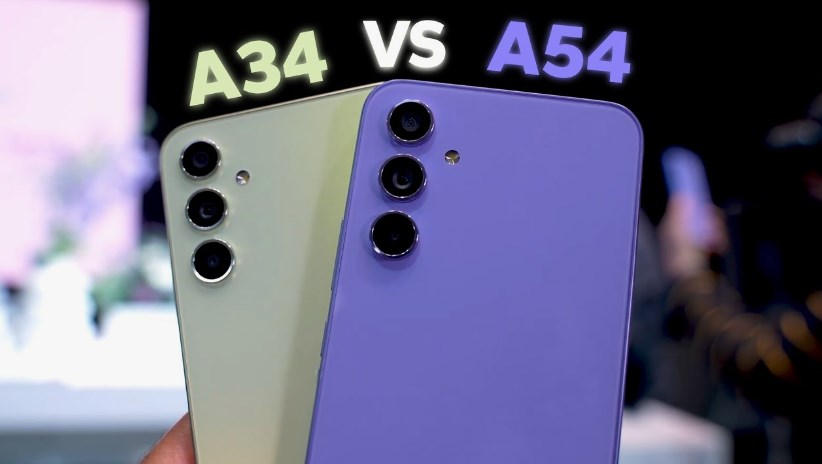
The camera app itself also feels more responsive. Shutter lag has been reduced, and switching between modes like Photo, Portrait, and Video is quicker than before. These changes may seem small on paper, but in real-world usage, they contribute to a smoother photography experience.
Security and privacy upgrades
Security remains a core part of Samsung’s software updates. One UI 8.5 brings the latest Android security patch level along with additional Knox-based protections. Samsung has also improved permission management, giving users more transparency over which apps access sensitive data like location, camera, and microphone. A new privacy dashboard makes it easier to review and adjust permissions without digging through multiple menus. For users of the Galaxy A-series, this is particularly important since these devices are often used as primary phones in both personal and professional settings. Samsung Galaxy A34 and A54 grab One UI 8.5 official version
Better integration with Samsung ecosystem
One UI 8.5 also strengthens integration with Samsung’s broader ecosystem. Users who own Galaxy Buds, Galaxy Watch devices, or Samsung tablets will notice smoother connectivity and faster pairing. Auto Switch between Galaxy Buds devices, for example, has become more reliable. Meanwhile, notifications synced across Samsung devices now appear more consistently and with fewer delays. This ecosystem cohesion is one of Samsung’s biggest strengths, and the A34 and A54 now feel even more connected to it.
What users are saying so far
Early feedback from users has been largely positive. Many Galaxy A54 users report that the phone feels “new again” after the update, mainly due to improved smoothness and responsiveness. Galaxy A34 users, meanwhile, are appreciating the performance optimizations, especially in day-to-day tasks like messaging, scrolling social media, and watching videos. Some users initially express concern about update size and installation time, but most agree that the improvements justify the download. Samsung Galaxy A34 and A54 grab One UI 8.5 official version
A meaningful update for long-term support
Perhaps the most important takeaway from One UI 8.5 arriving on the Galaxy A34 and A54 is Samsung’s commitment to long-term software support. These devices are not just receiving security patches—they are getting meaningful feature updates that enhance usability. This strategy helps extend the lifespan of mid-range devices, making them more competitive against rivals that may offer strong hardware but weaker software support.
Final thoughts
The arrival of One UI 8.5 on the Samsung Galaxy A34 and Samsung Galaxy A54 is more than just a routine update. It’s a reminder that software plays a huge role in how a smartphone feels long after purchase. By focusing on smoother performance, refined visuals, better battery efficiency, and improved security, Samsung has managed to breathe new life into two of its most popular mid-range phones. For users, this update doesn’t just change the version number—it quietly upgrades the entire experience. Samsung Galaxy A34 and A54 grab One UI 8.5 official version
About the Author