The Future Microsoft Showed at Build 2026 Barely Looks Like Windows
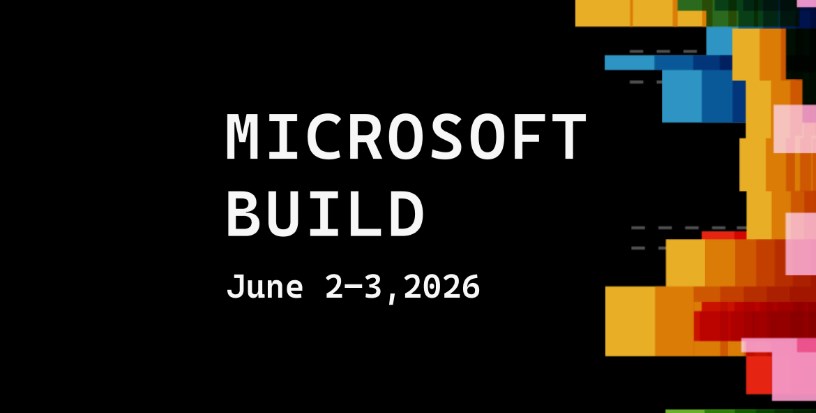
The Future Microsoft Showed at Build 2026 Barely Looks Like Windows – For decades, “Windows” has been more than just an operating system. It has been a visual language: Start menu in the corner, overlapping rectangles, taskbar icons, and a desktop that feels like a digital desk. But at Microsoft Build 2026, the company reportedly showcased a future that feels like it is slowly stepping away from that familiar metaphor. And for many people watching closely, the biggest surprise wasn’t a single feature—it was the realization that the next version of computing may barely resemble Windows at all.
What Microsoft is building instead looks less like an operating system in the traditional sense and more like an adaptive, AI-driven environment that reshapes itself around the user. The familiar “Windows” interface is still there in some form, but it feels more like a fallback layer than the main attraction. And that shift says a lot about where computing is headed.
A post-desktop direction
The idea of a desktop has been central since early versions of Windows. Files, folders, icons, and windows created a metaphor humans could understand: your computer is a workspace, and everything has a place. But at Build 2026, Microsoft appeared to lean heavily into something different—an environment where the system no longer expects you to organize everything manually. Instead, it anticipates what you want to do and builds the interface around that intention.
Rather than opening apps, users increasingly interact with “tasks” or “goals.” The system decides which tools are needed and assembles them dynamically. A spreadsheet might appear without you launching Excel. A design canvas might generate itself based on a conversation. A browser window might not even feel like a separate app anymore. This is not just integration—it is dissolution. The boundaries between apps are becoming harder to see.
Copilot everywhere, interface nowhere
A major theme of Microsoft’s Build presentations has been the expansion of AI copilots across the entire ecosystem of Microsoft. At first, Copilot was a sidebar assistant. Then it became embedded inside Office apps. Now, it is increasingly acting like the layer that sits above everything else. At Build 2026, that idea appears to have reached a new stage: Copilot is no longer just inside apps—it is becoming the interface itself.
Instead of clicking through menus, users can describe what they want in natural language. The system then generates workflows, documents, visual layouts, or even mini-applications on the fly. The operating system responds more like a collaborator than a machine. In this vision, the traditional desktop becomes optional. The AI layer becomes primary. And that is where things start to feel unfamiliar—because the system is no longer something you navigate. It is something you negotiate with.
The disappearance of “apps” as we know them
One of the most striking ideas from Build 2026 is the gradual fading of the app model. For decades, software has been packaged into discrete units: Word for documents, Chrome for browsing, Photoshop for editing images. But Microsoft’s future direction suggests a shift toward fluid functionality. Instead of opening an app, you request a capability. The Future Microsoft Showed at Build 2026 Barely Looks Like Windows
Want to edit a photo? The system generates a context-aware editor. Need to analyze data? A temporary analytics workspace appears. Planning a trip? A personalized dashboard assembles itself from multiple services in real time. These are not fixed applications—they are generated experiences. This raises an interesting question: if apps can be created instantly and tailored to each situation, do traditional software boundaries still matter?. Microsoft’s answer seems to be: not much.
A Windows that doesn’t want to be seen
The irony is that Windows is still the foundation of this entire shift. But in the Build 2026 vision, Windows is becoming less visible. Instead of being a constant presence, it fades into the background as an orchestration layer. You don’t interact with it directly as much as you benefit from it silently managing resources, security, and hardware coordination.
In earlier eras, Windows was something you “used.” In this new model, it is something you “experience indirectly.” This is a profound philosophical change. It suggests Microsoft is no longer trying to design an interface for humans to operate computers—it is designing a system where computers interpret human intent.
From multitasking to intention-streaming
One of the most subtle but important changes is how productivity itself is being redefined. Traditional computing is built around multitasking: you open multiple windows, switch between apps, and manage attention manually. But the Build 2026 direction suggests a move toward what some engineers are calling “intention-streaming.” Instead of juggling tasks, you express intent continuously, and the system maintains context across everything you do.
For example, you might say: “Prepare a report on renewable energy trends.” Instead of opening Word, gathering data, and inserting charts yourself, the system creates a living document, updates it with real-time data, and adjusts formatting based on your feedback—all without you managing the steps in between. You are no longer assembling work. You are guiding it. The Future Microsoft Showed at Build 2026 Barely Looks Like Windows
The emotional reaction: excitement and unease
Reactions to this vision are mixed. On one hand, it promises a dramatic reduction in friction. Less clicking, less searching, less switching between tools. Work becomes more fluid, almost conversational. On the other hand, it raises questions about control and transparency.
When the system decides how to assemble your workspace, you gain efficiency—but you also lose some visibility into how decisions are made. If an AI builds your documents, organizes your data, and suggests your workflows, how much of it is truly “yours”?. Even longtime fans of Microsoft’s ecosystem acknowledge that this is not just a UI redesign—it is a shift in computing philosophy.
The slow death of familiarity
For users who grew up with traditional desktop computing, the most striking part of Microsoft’s Build 2026 direction is how quietly radical it feels. Nothing is abruptly removed. The desktop still exists. Apps still run. Files still exist. But everything around them is changing shape.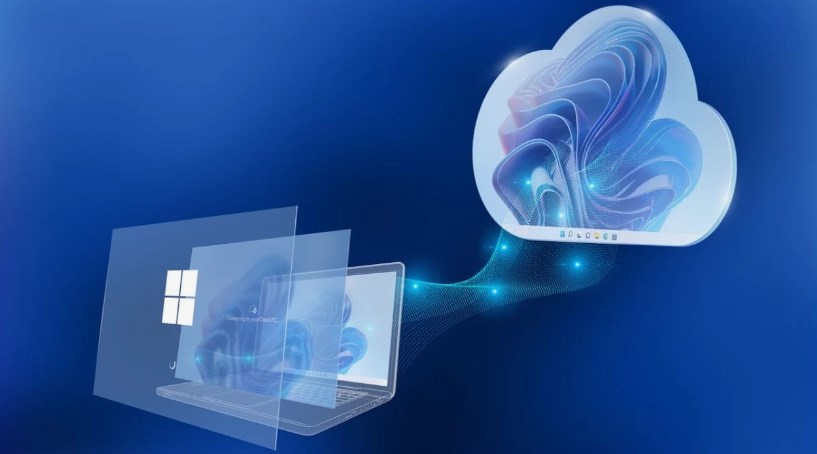
It is not a break from the past—it is a gradual fading of it. That may be what makes it more powerful, and more unsettling. Change is not arriving as a single dramatic update. It is arriving as a continuous reshaping of how software behaves. The Future Microsoft Showed at Build 2026 Barely Looks Like Windows
What comes next
If Microsoft continues down this path, the next generation of computing may not be defined by operating systems at all. It may be defined by adaptive intelligence layers that sit above hardware and software, deciding what the user needs in real time. In that world, “Windows” may survive as a brand, but not as a concept people think about daily. The idea of opening a window, managing files, or launching apps could feel as outdated as typing commands into a terminal does today for average users.
What Microsoft is showing at Build 2026 is not just a new version of Windows. It is the possibility that Windows, as we know it, is becoming something else entirely. And for better or worse, the future of computing may no longer look like a desktop at all—it may look like a conversation. The Future Microsoft Showed at Build 2026 Barely Looks Like Windows
About the Author