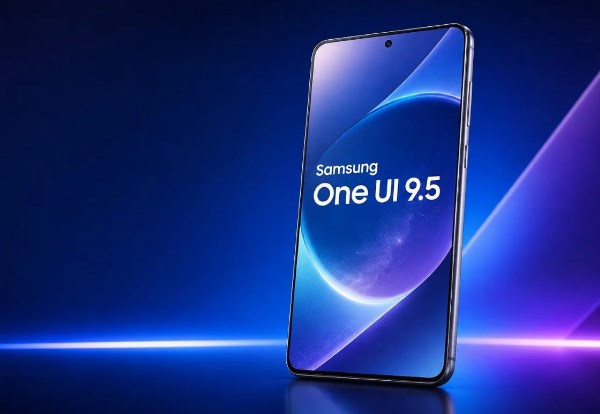
Samsung One UI 9.5: 10 new features worth trying – Point updates in smartphone software rarely generate much excitement. Usually, a “.5” release brings minor bug fixes, a security patch, and a few background tweaks you never really notice. However, Samsung’s One UI 9.5—built on Android 17 and currently rolling out in beta for the Galaxy S26 series ahead of its early 2027 public release—breaks that pattern. Instead of playing it safe, Samsung packed this update with long-requested privacy tools, smarter camera controls, and thoughtful everyday conveniences. Whether you are already testing the beta through Samsung Members or waiting for the stable rollout on your Galaxy device, these ten standout features make One UI 9.5 genuinely worth exploring.
1. Native App Lock
For years, Galaxy owners had to rely on Secure Folder—which essentially creates an isolated partition on your phone—or third-party apps just to lock down a single application. One UI 9.5 finally introduces a built-in, system-level App Lock. By pressing and holding any app icon on your home screen or app drawer, you can tap the lock icon to require fingerprint, face, or PIN authentication every time it opens. Even better, locking an app automatically hides its notification previews and removes its widgets from your home screen, keeping sensitive messages out of sight when you hand your phone to a friend.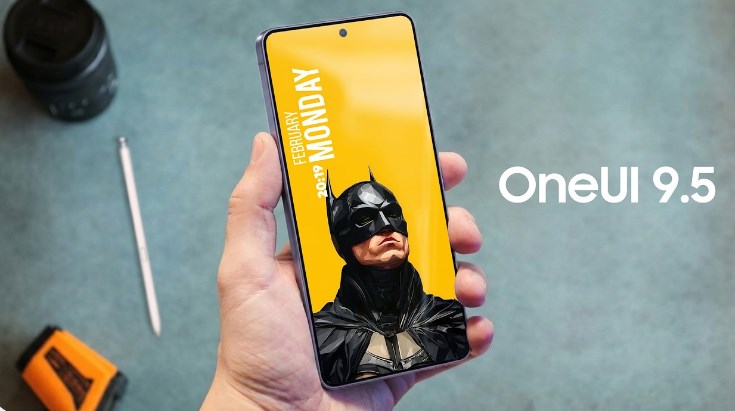
2. Automatic Privacy Display Integration
If you use a Galaxy S26 Ultra, you already know how handy the hardware Privacy Display is for blocking shoulder-surfers from viewing your screen at an angle. The only frustration was having to manually toggle it on and off whenever you wanted to share a video with someone next to you. One UI 9.5 fixes that workflow by tying Privacy Display directly to App Lock and secure spaces. You can now set Privacy Display to engage automatically the moment you open your banking app, private photo albums, or Samsung Internet’s Secret Mode, then switch right back off when you return to YouTube or your home screen.
3. Tap to Share via Quick Share
Sending photos and large files between phones just became effortless. Samsung has integrated Android’s Tap to Share capability straight into Quick Share. Once you select the files you want to send and choose Quick Share, you simply touch the top or back of your Galaxy phone against another compatible unlocked device. Using NFC, Bluetooth, and Wi-Fi together, the phones handshake immediately, prompting the recipient to tap Accept without needing to search through a crowded list of nearby devices. Samsung One UI 9.5
4. Redesigned Camera Controls and Custom Pro Presets
Mobile photographers get a much cleaner workspace in One UI 9.5. In the standard camera view, Samsung consolidated key quick controls—including flash, timer, aspect ratio, resolution, exposure, and white balance—onto a single accessible panel so you no longer have to swipe through hidden submenus. For enthusiasts using Pro and Pro Video modes, you can now customize which tools sit right next to the shutter button, such as focus peaking, histograms, or exposure lock. Most usefully, you can save complete custom Pro profiles—preserving your exact ISO, shutter speed, and white balance settings—for instant recall.
5. Screen Lock During Video Recording
Anyone who has ever accidentally tapped the stop button or switched camera modes mid-take while filming handheld will appreciate this small but vital addition. One UI 9.5 lets you lock the touchscreen while recording video. Once activated, stray palm touches or accidental brushes against the display will not interrupt your shot or alter your zoom level until you intentionally unlock the controls.
6. Live Effect Lock Screen Wallpapers
Samsung continues to refine its lock screen customization with a subtle 3D parallax feature called Live Effect. When applied to a portrait or layered wallpaper, Live Effect separates the foreground subject from the background. As you tilt and move your phone in your hand, the layers shift dynamically to create a convincing sense of depth. Paired with a newly translucent Now Bar and live background blur behind home screen widgets, the entire interface feels noticeably more tactile.
7. Mindful Note in Samsung Health
Samsung Health is expanding beyond step counts and heart-rate tracking to support mental wellness. The new Mindful Note section acts as a private daily journal built directly into the health app. You can jot down freeform reflections in the “Everyday moments” space or use guided prompts to check in on your mood and stress levels. Having emotional reflections sit alongside sleep and activity data makes it easier to spot patterns between how you feel and how well you rest.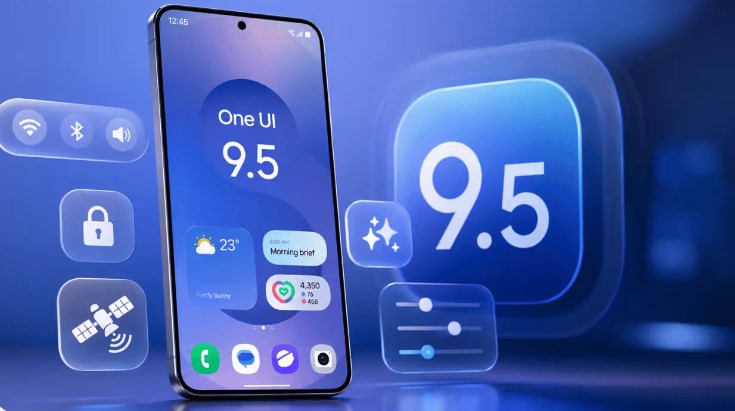
8. Built-In Medication Tracking
Alongside Mindful Note, Samsung Health now features a dedicated Medications tracker. Rather than relying on generic calendar alarms or separate third-party reminder apps, you can log your daily prescriptions, vitamins, and supplements directly inside Samsung Health. The tool lets you set customized dosage schedules, receive timely alerts, and review adherence logs so you never second-guess whether you already took your morning dose.
9. Per-App Intelligent Wi-Fi Switching
Few things are more annoying than a video call freezing because your phone clings to a weak, barely functional Wi-Fi signal near your front door. One UI 9.5 upgrades Intelligent Wi-Fi to version 9.5 with granular per-app mobile data switching. You can now allow specific messaging and calling apps—such as WhatsApp and Messenger—to seamlessly fall back on cellular data the instant your Wi-Fi hiccups, without forcing your entire phone off wireless internet. Samsung One UI 9.5
10. Native DOCX and PPTX Viewing in My Files
If you frequently open work documents on the go, you no longer need to install bulky office suites just to read a file. Samsung’s built-in My Files app now natively supports viewing DOCX and PPTX documents straight out of the box. Tapping a Word document or PowerPoint presentation in your downloads folder opens it immediately with clean formatting, saving storage space and sparing you from unnecessary app sign-in prompts. Samsung One UI 9.5
One UI 9.5 proves that meaningful software updates do not always require a complete visual overhaul. By listening to long-standing user feedback—from native app locking to smarter camera shortcuts and friction-free file sharing—Samsung has delivered an update that makes daily phone use smoother, safer, and far more convenient.
About the Author