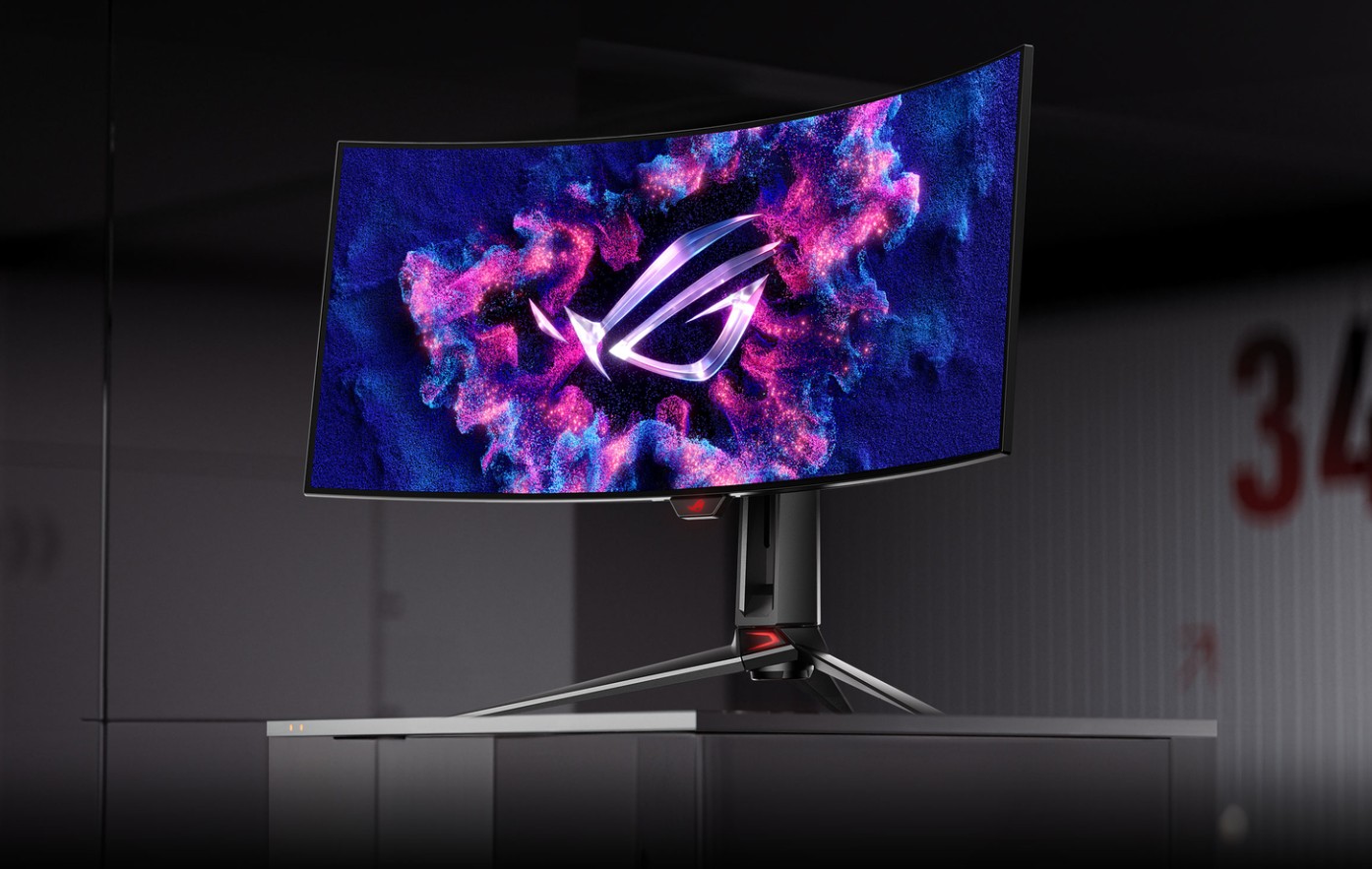
ROG Swift RGB Stripes OLED Gaming Monitor : Review – Additionally, I think it’s evident in the way colors are presented. In terms of technical performance, the OLED monitor’s results are modest: Its color gamut included 89% of AdobeRGB and 94% of DCI-P3. Compared to the best QD-OLED displays, which can reach up to 98 percent and 95 percent, respectively, that is slightly narrower. But the impact is enhanced by the panel’s ultra-clear, high contrast appearance. The PG27UCWM’s overall image quality is in the high tier, however I’m not saying it’s superior to the best rivals. This is at least partly because RGB Stripe OLED also enhances “color volume,” or a display’s capacity to retain color at maximum brightness.
Sadly, mirror-like reflections accompany the striking and contrast-rich image. I could probably shave on the monitor. In a dark area, it’s not an issue, but when there is even a small amount of ambient light, it becomes apparent.
This is a crucial and contentious issue. Because it accentuates the rich contrast and color that OLED technology can produce, many OLED purists love an ultra-gloss surface. Some people, including me, favor matte displays that minimize or do away with noticeable reflections.
You must determine your preferences before making a purchase, but there is no right or wrong answer to this issue.
Excellent HDR and Sharpness
A dual RGB Stripe OLED panel with a native resolution of 3840 x 2160 is located behind the glossy exterior of the PG27UCWM. It’s sharp. The PG27UCWM sports a more traditional RGB sub-pixel structure, which solves the problem of earlier OLED monitors using an odd sub-pixel configuration that could impair visual quality. This was first introduced in 34-inch monitors like the Alienware AW3426DW and is sometimes referred to as “5th-Gen QD-OLED.” However, the PG27UCWM is finally bringing it down to the more common size of 27 inches.
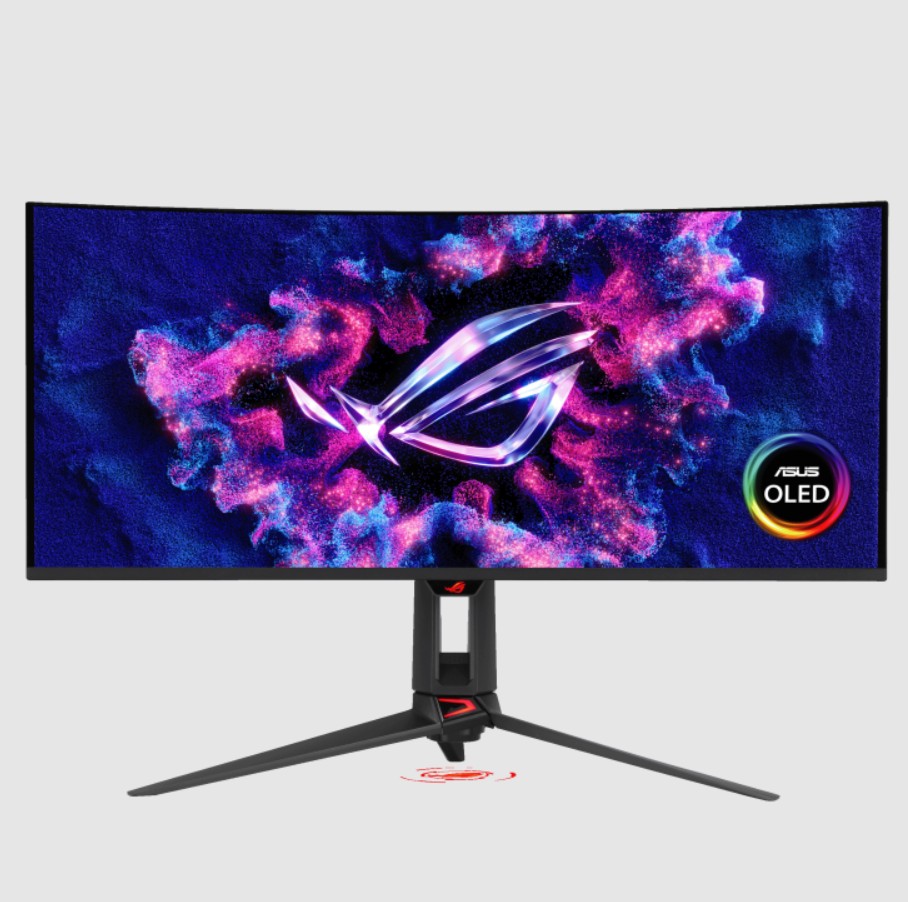
One of the main concerns of people looking for OLED monitors has always been text clarity in particular, and I no longer have any qualms about that. Additionally helpful is the resolution, which gives the 26.5-inch panel a pixel density of roughly 165 pixels per inch. When I connected the monitor to my MacBook Air M4 and Windows 11 desktop, the panel’s crispness was outstanding.
The dual OLED display of the PG27UCWM truly starts to pay off in HDR. It can reach up to 800 nits of brightness, according to my testing. Although it’s not a record-breaking outcome, it’s comparable to other high-end OLED displays, which in my tests usually provide 800 to 900 nits (the best narrowly clear 1,000 nits). Additionally, the monitor has Dolby Vision HDR compatibility, which is uncommon.

The brightness, contrast, and resolution of the PG27UCWM work together to create a significant impact in HDR games. It might occasionally feel overpowering due to how brilliant it is. Thankfully, Asus offers HDR brightness control features that allow you to reduce the brightness if you’d like.
However, Asus’ PG27UCWM isn’t particularly bright in HDR. Among the monitors I’ve tried that provide comparable HDR brightness are the Alienware AW3426DW, Acer Predator X27 X1, and MSI MPG 32URXW (some of which are substantially cheaper). Even so, the PG27UCWM outperforms the cheapest OLED displays, such as the entry-level Alienware AW2726DM, which can only provide about 400 nits in HDR. ROG Swift RGB Stripes OLED Gaming Monitor : Review
Checking the Boxes with Motion Clarity
At 4K resolution, the PG27UCWM can achieve a refresh rate of up to 240 Hz. In 2026, it is the norm for a high-end 4K OLED. Additionally, it offers a dual-mode capability that allows for a refresh rate of up to 480 Hz in exchange for a resolution reduction to 1080p. Although it’s less common, a lot of OLED monitors now have a feature like that.
About the Author