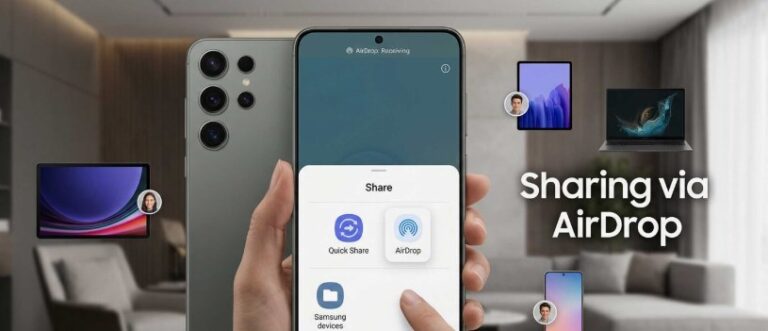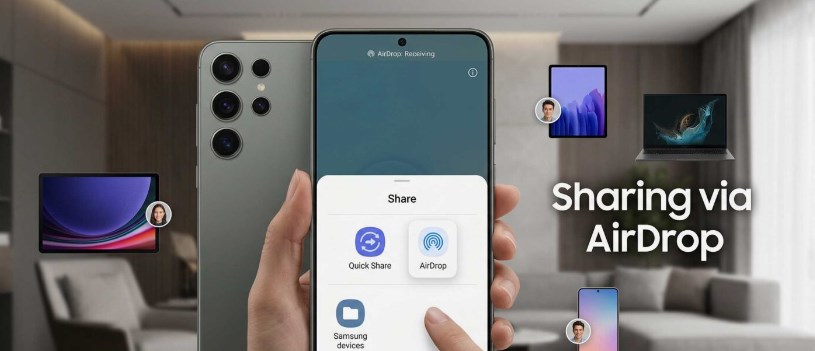
Users of Galaxy A56, A57 reports AirDrop compatiblity after One UI 9.0 update – Samsung Galaxy phones have long offered their own file-sharing tools, but many users have also wanted an easier way to exchange photos, videos, and documents with people using iPhones. That is why recent reports about AirDrop compatibility on the Galaxy A56 and Galaxy A57 have attracted attention.
Following the One UI 9.0 update, some owners of these mid-range Galaxy smartphones claim that they can now share files with nearby Apple devices through AirDrop. If confirmed, this could represent an important change in how Samsung and Apple users interact. For years, transferring files between Android and iOS devices has often required third-party apps, cloud storage, messaging platforms, or cables.
The reports are still developing, and not every user appears to have the same experience. However, the possibility of AirDrop support on the Galaxy A56 and A57 has created excitement among people who regularly communicate with friends, family members, classmates, or coworkers using different mobile platforms.
What Users Are Reporting
Several Galaxy A56 and A57 owners have reportedly noticed new sharing behavior after installing One UI 9.0. According to these reports, the phones may appear as available devices when an iPhone user opens AirDrop nearby. In some cases, users claim they were able to send images or other files without installing an additional application.
This would make the process much simpler. Instead of asking someone to download a separate sharing app, create a cloud link, or send a compressed image through a messaging service, users could potentially transfer files directly between their phones.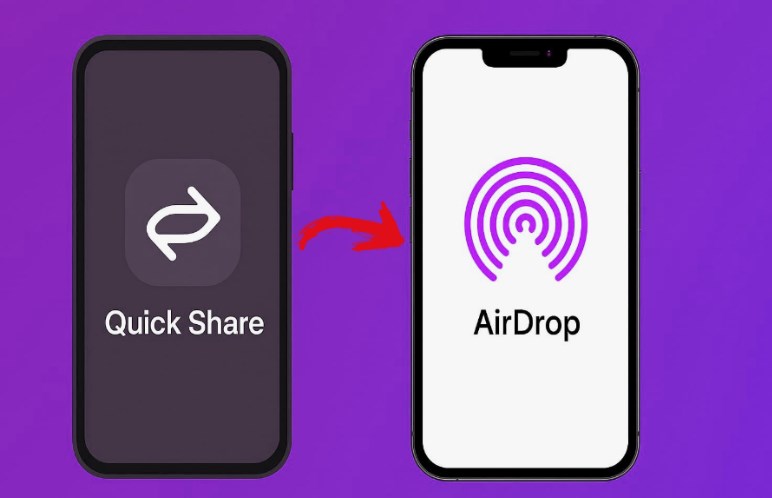
Some reports suggest that the feature may work only under certain conditions. Both devices may need to have Bluetooth and Wi-Fi enabled, and the receiving iPhone may need to be set to accept files from nearby contacts or everyone. The Galaxy phone may also need to be unlocked or actively visible during the transfer. Because these are user reports rather than a fully documented announcement, it is difficult to know whether the feature is available to all Galaxy A56 and A57 owners or only to a limited group.
How AirDrop Compatibility Could Work
AirDrop is designed to make nearby file sharing quick and convenient between Apple devices. It uses wireless connections to discover nearby devices and transfer content without relying entirely on mobile data or a traditional internet connection.
If Galaxy phones can now interact with AirDrop, the feature may depend on broader improvements to wireless sharing standards. Samsung has previously offered Quick Share, its own file-sharing system for Galaxy devices and other compatible Android products. Apple, meanwhile, has traditionally kept AirDrop within its own ecosystem.
A new compatibility layer could allow the Galaxy A56 and A57 to communicate with Apple devices while still using Samsung’s existing sharing framework. It is also possible that the reported behavior is connected to changes in One UI 9.0, updated wireless protocols, or a limited software test. At this stage, users should avoid assuming that every AirDrop feature will work exactly as it does between two iPhones. File transfers, device discovery, contact permissions, and supported file types may vary.
Why This Matters to Galaxy Users
The Galaxy A56 and A57 are aimed at users who want modern features without paying flagship prices. Many owners use their phones alongside iPads, MacBooks, or iPhones belonging to family members and coworkers. For these users, cross-platform sharing can save time and reduce frustration.
Imagine taking photos at a family event where some people use iPhones and others use Galaxy phones. With direct sharing, sending pictures could become much easier. Students could exchange notes with classmates, while office workers could transfer documents without relying on email or messaging apps.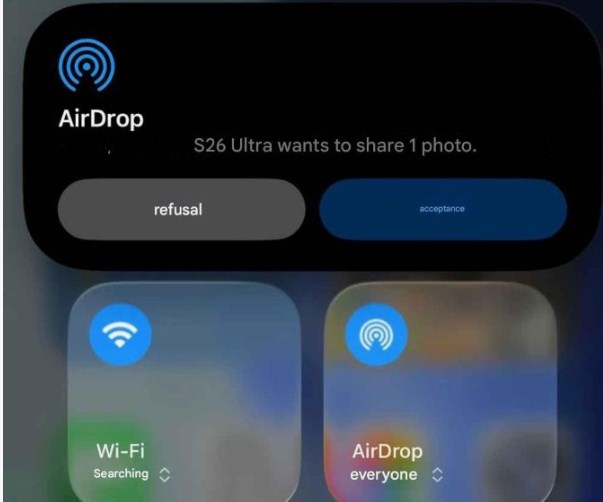
This could also make Samsung’s mid-range phones more appealing to people who are not fully committed to one mobile ecosystem. Some users choose Android for its flexibility and value but still need to work with Apple devices regularly. Better compatibility could help remove one of the barriers that makes switching between platforms inconvenient.
Possible Limitations
Although the reports are encouraging, there may be several limitations. First, the feature may not be officially supported in every region or on every software version. Samsung could also be testing the functionality with a small number of users before deciding whether to expand it. Users of Galaxy A56
Privacy settings may create another challenge. AirDrop allows iPhone users to control who can send them files. If the receiving device is set to contacts only, the Galaxy phone may not appear unless the relevant contact information is saved correctly. Users may need to adjust settings temporarily before a transfer can begin.
Transfer speeds could also vary depending on the file size, distance between devices, wireless interference, and the specific iPhone model. A small photo may transfer quickly, while a long high-resolution video could take considerably longer. There is also the possibility that some users are confusing AirDrop with another nearby sharing feature. Since Samsung and Apple use different names and systems, it is important to confirm exactly which service is being used.
How to Check the Feature
Galaxy A56 and A57 owners who want to test the reported compatibility should first install the latest available version of One UI 9.0. They should also make sure that Wi-Fi and Bluetooth are enabled on both phones. On the iPhone, the user can open the AirDrop settings through the Control Center and choose the appropriate visibility option. The Galaxy phone should then be unlocked and placed close to the iPhone. If the devices recognize each other, the sender can select a photo or file and look for the nearby device in the sharing menu.
If the transfer does not work, users should check whether both phones have updated software, whether AirDrop visibility is enabled, and whether the devices are close enough. Restarting both phones may also help. However, users should avoid changing privacy settings permanently unless they are comfortable receiving files from unknown people.
What Samsung May Do Next
If the reports are accurate and the feature proves reliable, Samsung may eventually provide clearer documentation or announce broader support. The company could also improve the experience through future One UI updates.
Official confirmation would be useful because it would explain which Galaxy models are supported, what types of files can be transferred, and whether the feature works with all recent iPhone versions. It would also help users understand whether the compatibility is permanent or part of a temporary test.
Samsung may choose to promote the feature as part of its effort to make Galaxy phones more convenient in mixed-device households. At the same time, Apple may decide whether to maintain or restrict this type of cross-platform interaction through future software updates.
Final Verdict
Reports of AirDrop compatibility on the Galaxy A56 and Galaxy A57 after the One UI 9.0 update could be significant for users who regularly share files with iPhone owners. Direct wireless transfers would make everyday communication easier and reduce the need for third-party apps or cloud services.
However, the feature should still be treated cautiously until Samsung provides official confirmation. Availability may depend on software versions, regional settings, device models, and privacy permissions. Some users may experience smooth transfers, while others may not see the option at all.
For now, Galaxy A56 and A57 owners can test the feature by updating their phones, enabling the necessary wireless connections, and checking AirDrop visibility on the nearby iPhone. If the reports continue to grow, this could become one of the most useful changes introduced with One UI 9.0, especially for people living between the Samsung and Apple ecosystems
About the Author