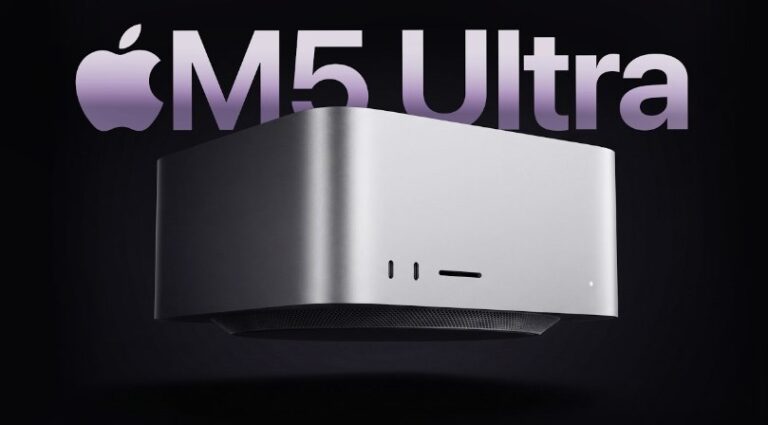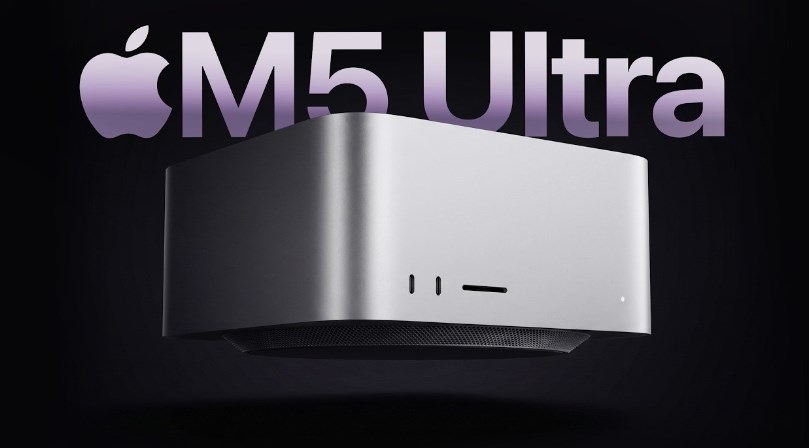
Review Apple Mac Studio M5 Ultra – The Apple Mac Studio has always been an interesting machine because it refuses to look as powerful as it actually is. Sitting quietly on a desk, the compact silver box could easily be mistaken for a relatively ordinary desktop computer. The 2026 Mac Studio with the M5 Ultra changes that impression once you look beneath the surface. It is designed for demanding professional workloads, with an enormous amount of unified memory, a high-core-count CPU and GPU, extremely fast connectivity, and media capabilities aimed at serious creators and developers. Review Apple Mac Studio M5 Ultra
The M5 Ultra version is not really aimed at someone who simply wants a fast computer for browsing, office work, photo editing, or occasional video production. It is Apple’s workstation-class desktop for people whose daily workloads can actually take advantage of massive amounts of processing power. That distinction is important because the Mac Studio M5 Ultra is expensive, and its capabilities can be excessive for ordinary users.
Familiar Design, Serious Hardware
One of the first things you notice about the Mac Studio M5 Ultra is how little its external design has changed. Apple continues with the compact aluminum enclosure, measuring about 7.7 inches square and 3.7 inches tall. The M5 Ultra model weighs approximately 8 pounds, or 3.6 kilograms. It remains remarkably small considering the hardware inside.
That familiar design is actually one of the machine’s biggest strengths. There is no giant tower taking up half a workstation, and there is no elaborate gaming-style chassis covered in lights and aggressive styling. Instead, the Mac Studio looks understated and professional. Put one next to a monitor, keyboard, external storage, and other studio equipment, and it blends naturally into the environment.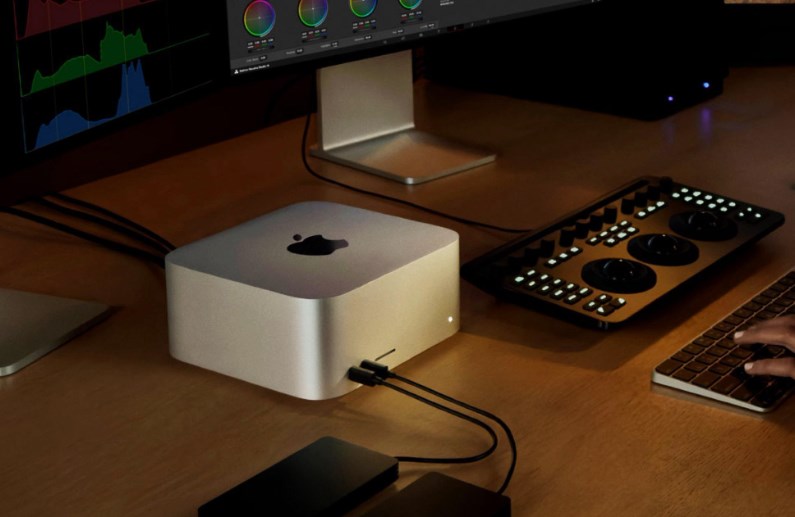
Connectivity is another major advantage. The M5 Ultra Mac Studio includes four Thunderbolt 5 ports, two USB-A ports, HDMI 2.1, 10Gb Ethernet, a 3.5mm headphone jack, and an SDXC card slot. On the front, users get two Thunderbolt 5 ports and the SDXC reader. Thunderbolt 5 can reach up to 120Gbps, giving professionals plenty of bandwidth for fast external storage and accessories.
Wireless connectivity is also modern, with Wi-Fi 7 and Bluetooth 6. For a professional workstation, that combination makes the Mac Studio much easier to integrate into a modern production environment. You can connect high-speed storage, cameras, displays, networking equipment, and other peripherals without immediately reaching for a collection of adapters.
M5 Ultra Performance Is the Real Story
The biggest reason to buy this machine is obviously the M5 Ultra chip. The standard M5 Ultra configuration features a 30-core CPU and 64-core GPU, while Apple offers a more powerful configuration with a 36-core CPU and 80-core GPU. The chip also includes a 32-core Neural Engine and delivers 1.2TB/s of memory bandwidth.
The memory options are equally remarkable. The base M5 Ultra configuration starts with 96GB of unified memory and can be configured with 256GB or an enormous 512GB. Storage begins at 1TB and can be configured up to 16TB. This is the kind of hardware that starts making sense when ordinary desktop specifications no longer seem sufficient.
In early testing, the M5 Ultra has demonstrated substantial gains over the previous M3 Ultra generation. The Verge reported roughly 30 percent improvements in both single-core and multicore CPU benchmarks on its similarly configured test system, while some graphics workloads showed considerably larger gains.
That performance becomes more meaningful outside synthetic benchmarks. Apple is positioning the M5 Ultra heavily toward AI development, 3D rendering, professional video production, and other workloads that can keep many CPU and GPU cores busy. Apple says the machine can handle up to 33 streams of 8K ProRes 422 video at 30fps simultaneously, thanks in part to its expanded media engine.
Built for Creators, Developers and AI Workloads
For professional video editors, the M5 Ultra is an especially interesting machine. The chip includes hardware acceleration for H.264, HEVC, ProRes and ProRes RAW, along with two video decode engines and four video encode engines. It also has four dedicated ProRes encode and decode engines. Review Apple Mac Studio M5 Ultra
That means demanding video workflows can benefit from dedicated hardware rather than relying entirely on general-purpose CPU processing. Editors working with multiple high-resolution streams, complicated effects, color grading, and large projects can potentially see significant advantages from this architecture.
The same is true for 3D professionals. Rendering applications can use the large GPU, hardware-accelerated ray tracing, and enormous memory pool. Apple has reported major performance improvements in applications such as Maxon Redshift compared with older Ultra-generation hardware.
AI may be where the M5 Ultra becomes particularly interesting. Having up to 512GB of unified memory gives developers considerably more room for large local models and demanding AI workloads. Apple has specifically highlighted improvements in LLM processing, image generation, and AI model training.
Eight Displays and Professional Connectivity
Another area where the Mac Studio M5 Ultra stands apart is display support. Apple says the M5 Ultra can support up to eight external displays, depending on resolution and refresh-rate combinations. It can handle configurations involving multiple 6K displays, while more demanding setups can include up to four 8K displays at 60Hz or 5K displays at 120Hz.
For most people, eight monitors would be excessive. For certain professional environments, however, it can make perfect sense. Financial workstations, video production suites, software development environments, 3D studios, and large control rooms can all benefit from having several displays available simultaneously.
The presence of Thunderbolt 5 also makes the Mac Studio more flexible than its small dimensions might suggest. Fast external SSDs and professional peripherals can operate over high-bandwidth connections, while 10Gb Ethernet provides a strong foundation for network-based storage and collaborative workflows.
Price Is the Biggest Question
Performance comes with a substantial financial commitment. The M5 Ultra Mac Studio starts at $5,499 with 30 CPU cores, 64 GPU cores, 96GB of unified memory, and 1TB of storage. The high-end configurations climb dramatically as memory and storage are upgraded. Review Apple Mac Studio M5 Ultra
That pricing immediately changes the conversation around the machine. This is not a desktop where most buyers should simply choose the most expensive configuration because it is available. The enormous memory and GPU options are valuable only when the workload can actually use them.
For a professional whose work depends on rendering, AI development, large-scale video production, scientific computing, or other extremely demanding tasks, the M5 Ultra can be viewed as an investment in productivity. For everyone else, a less powerful Mac Studio configuration could provide plenty of performance without reaching workstation-level pricing.
Final Verdict
The Apple Mac Studio M5 Ultra is an impressive demonstration of how much computing power can be squeezed into a relatively small desktop. Its 36-core CPU, 80-core GPU, up to 512GB of unified memory, 1.2TB/s memory bandwidth, Thunderbolt 5 connectivity, advanced media engines, and support for up to eight external displays make it a serious professional workstation rather than simply another premium desktop.
Its greatest strength is also its biggest limitation: it is designed for workloads that demand enormous performance. If your daily routine consists mainly of web browsing, documents, casual editing, and ordinary creative work, the M5 Ultra’s capabilities are likely far beyond what you need. Review Apple Mac Studio M5 Ultra
But for professionals working with AI models, high-resolution video, complex 3D scenes, demanding rendering projects, or enormous datasets, the story is very different. The M5 Ultra gives those users a compact machine with workstation-class capabilities and unusually large memory capacity.
Ultimately, the Mac Studio M5 Ultra is less about making every task faster and more about removing the ceiling from workloads that have historically demanded powerful workstations. It is expensive, overpowered for many people, and deliberately focused. For the professionals who can exploit its hardware, however, that extreme approach is precisely what makes the 2026 Mac Studio M5 Ultra so compelling.
About the Author