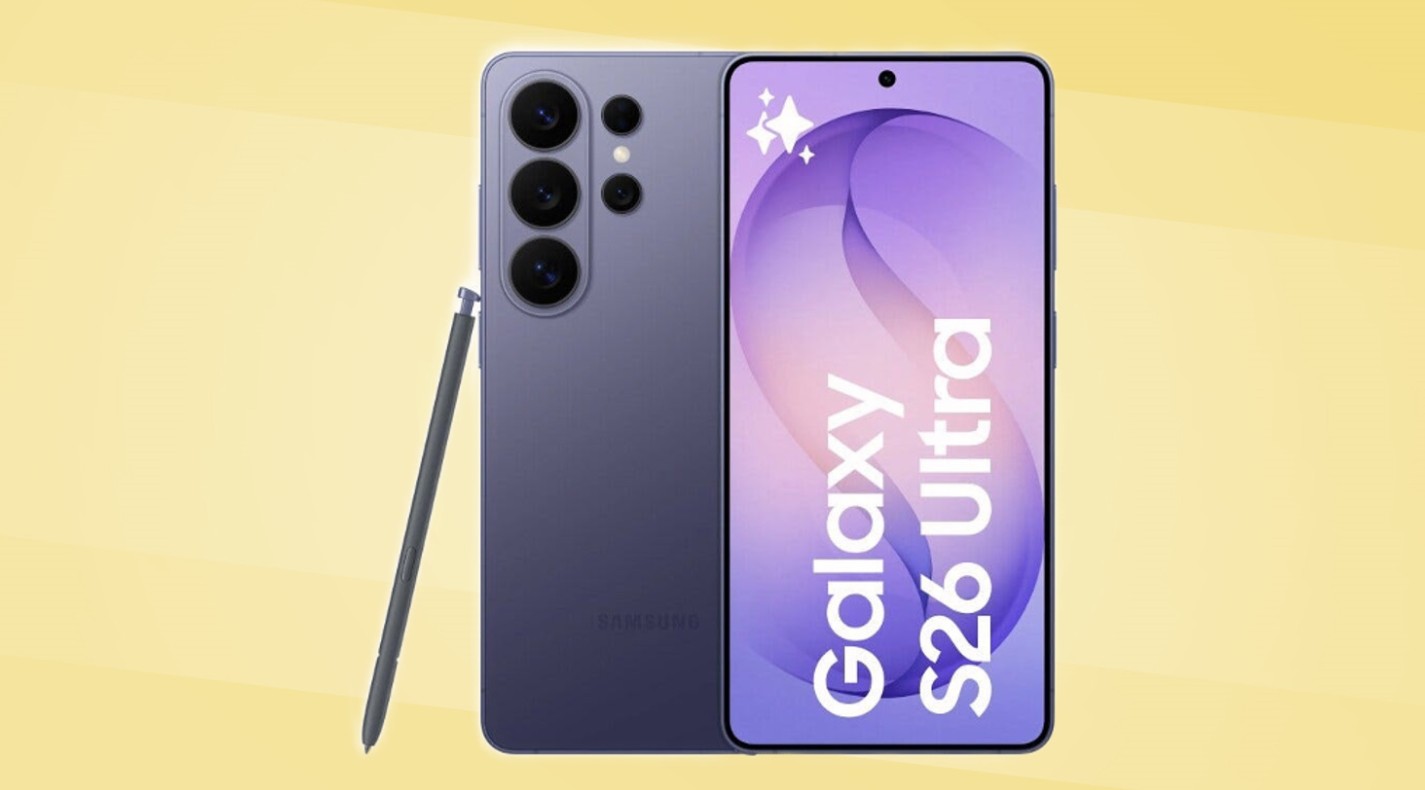
Tips to Implement Galaxy AI with the Samsung Galaxy S26 Ultra when studying – A collection of useful study aids, such as taking notes, recording lectures, going over lengthy documents, and meeting deadlines, are included with the Samsung Galaxy S26 Ultra.
There is no need for further setup because the majority of them are integrated right into apps you already use, such as Voice Recorder and Samsung Notes.
Here is a brief summary of features that can support your academic endeavors:
- With speaker labels and automatic summarization, Transcript Assist records and transcribes lectures.
- Note Assist: Handwritten S Pen notes as well as notes in Samsung Notes are summarized, formatted, and translated.
- Browsing Assist: Samsung Internet summarizes lengthy articles and research pages.
- PDF translation: This feature allows Samsung Notes to translate imported PDFs.
- Writing Assist: Translates text between texting and writing apps, modifies tone, and fixes grammar.
- Now Brief: Displays your timetable, due dates, and morning reminders.
In what ways might Transcript Assist assist with classes and lectures?
The Voice Recorder app includes a Galaxy AI tool called Transcript Assist. It distinguishes between various speakers while recording audio and turning it into a comprehensive textual transcript. This implies that students can record lectures and have a readable, searchable transcript available as soon as the session is over.
After the transcript is created, you may select Summarise to obtain a summary of the main ideas without having to read the entire text. If you are studying in a language other than your native tongue, you can also translate the transcript immediately from the same screen into another language. For long-term reference, the transcript can be added to Samsung Notes.
The audio does not need to be transferred to a cloud service because the transcription is done on the device. Keep in mind that a network connection is necessary for both translation and summarization.
How does Note Assist in Samsung Notes aid in learning?
The Samsung Notes app has Note Assist, a Galaxy AI capability. It can automatically convert disorganized notes into a tidy structure with headings and bullet points, summarize a lengthy note to its main points, fix typos, and translate the entire note into a different language. It may be used on any note with at least 200 characters.
Note Assist is compatible with handwritten S Pen notes for users of the Galaxy S26 Ultra. It can clean up handwriting, turn it into text, and then format and summarize the output using the same techniques. For students who would rather write by hand during lectures but want written, structured notes afterwards, this makes it useful.
Is Galaxy AI able to assist with internet research?
The Samsung Internet browser has built-in browsing assistance. You can create a summary of a lengthy article or webpage by touching the Galaxy AI icon. When conducting research on a subject and consulting several sources, this is helpful. You may rapidly get the main ideas of each article and then delve deeper into the most pertinent ones rather than reading them all.
You can view articles written in various languages without ever leaving your browser thanks to Browsing Assist’s full page translation feature. The experience is kept in one location by having both the translation and the summary appear inline.
Is it possible for the Galaxy S26 Ultra to translate documents and research papers?
Yes, Samsung Notes has built-in capabilities for translating PDFs. Note Assist can be used to translate any PDF, including research papers and course readings, into the language of your choice. You can compare the translated and original texts if necessary.
For students working on academic papers in a second language or those studying overseas who receive course materials in a language they are unfamiliar with, this eliminates a typical source of friction. There is no need for an additional translation software because the capability operates within Samsung Notes.
In what ways does Writing Assist support communication and written assignments?
The Samsung Keyboard may be used to access Writing Assist in both writing and messaging applications. It can translate communications in real time between languages, fix spelling and grammar, and change the tone of a message by making it more formal or informal depending on the situation.
The most useful applications for students are tone correction while speaking with instructors or other academic contacts, and grammar correction when writing in a second language. For sending emails or formal requests, the Composer tool can also create a message from scratch using the format and tone you choose.
Since Writing Assist is integrated into the Samsung keyboard, it may be used in the majority of applications that require typing, such as note-taking software, messaging apps, and email clients.
How can Now Brief aid students in maintaining their organization?
Every morning, the Galaxy S26 Ultra displays Now Brief, a daily summary feature powered by Galaxy AI. It creates a single overview of your schedule, future calendar events, reminders, and other pertinent data from all of your apps.
Now Brief offers students who are juggling several deadlines, test dates, and class calendars an easy way to see what’s coming up without having to open numerous apps.
Additionally, it gathers data from apps and communications that you might not have specifically saved to your calendar, such a class time indicated in a message, and presents it in the morning summary.
About the Author